
Team calendar: The calendar that updates your status for you
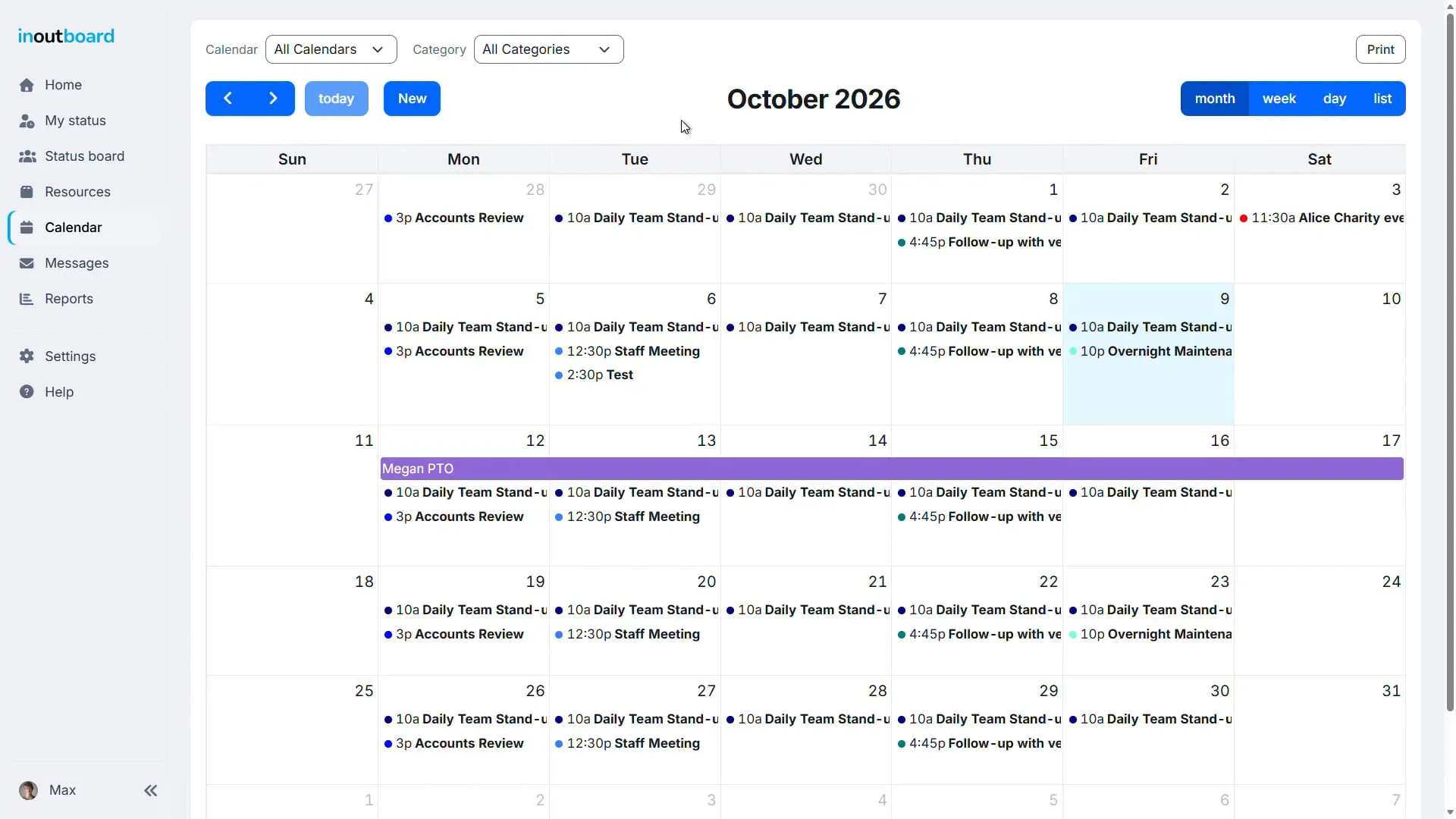
Keep track of your schedule with My Calendar. Give an event a starting and ending status, and the status board is updated for you when the event begins and ends—no need to remember on the day.
1:02 minutes
Read the video transcript
Time off on one calendar, meetings on another, and nobody’s sure who’s actually in today? There’s a better way. With InOutBoard’s Calendar, you can share calendars with your whole team. Vacation schedules, department meetings, and recurring events all live in one place.
Everyone sees the same schedule, so nobody finds out someone’s on vacation the morning they’re gone.
When you add an event to your calendar, InOutBoard can update your status for you. Heading into a client meeting? Set your status when the meeting starts and set it back when it ends.
Need to add a repeating event? Set recurring events once and they repeat automatically, and you can fine-tune them if needed.
You can also add reminders so nothing sneaks up on you.
You can change how you view your calendar, either by month, week, day, or list on the top right to fit your workflow.
Thanks for watching. Sign up today and start your 30-day free trial with InOutBoard.
Plan ahead, stay in sync
Your schedule and your status are finally the same thing.
-
Automatic status changes
Add a meeting, a site visit, or a vacation to My Calendar, pick a starting and ending status, and the change happens on the day without you. How to set one up.
-
Your schedule at a glance
My Calendar puts your upcoming events right on the dashboard, so the whole day is planned before it starts.
-
See the whole team
Company calendars keep everyone in the loop—company meetings, department off-sites, or holidays everyone should know about. Administrators decide who can see and add to each one.
Set it once, forget it
- Create one-time or recurring events in seconds.
- Your status changes at the start and end times you set, on events on My Calendar.
- Book time off weeks ahead—give it a status and the status board updates itself on the day.
- Events on a company calendar appear for everyone given access to it.
- Need to book a room or equipment? Manage those reservations separately in Resources.
- View and edit your calendar from any device.
Does the calendar sync with Outlook, Google Calendar, or Apple Calendar?
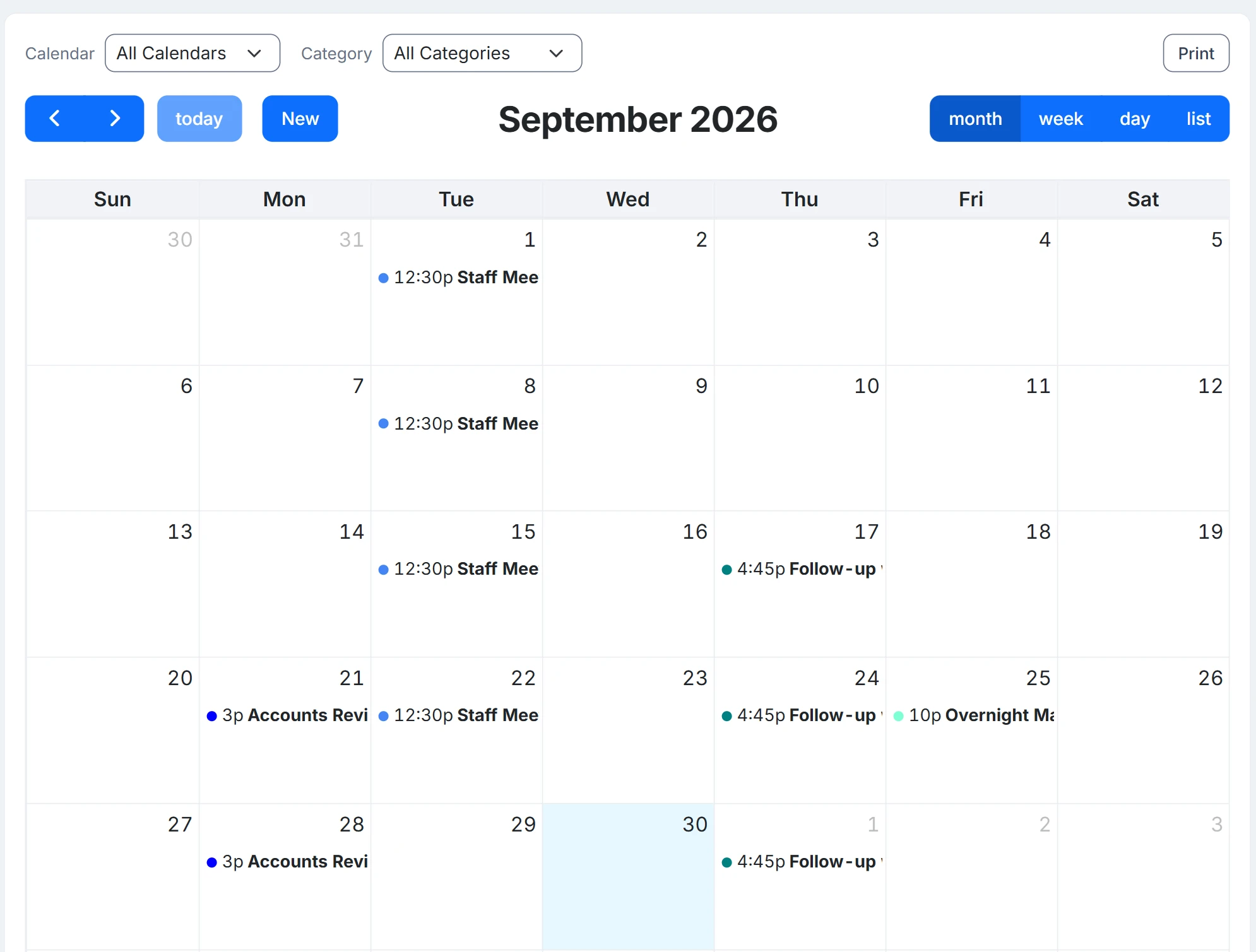
No. InOutBoard's calendar is standalone and does not import from or export to Outlook, Exchange, Google Calendar, or Apple Calendar. Events are entered in InOutBoard itself.
Which calendar changes my status?
Only events on your own My Calendar. Give an event a starting and ending status and the status board updates when it begins and ends. Events on a shared company calendar never change anyone's status. Two settings have to be on first: Allow Calendar Events to Change Status for the organization, and Allow Future Status on your user record.
Can events repeat?
Yes, on both My Calendar and company calendars: daily (or weekdays only), weekly on the days you pick, or monthly. A series with no end date stops after two years or 365 events, whichever comes first; one set to End after can run to 365 events, and an End by date can be up to a year from the start.
Can an event send a reminder?
Yes, on My Calendar. An event on your My Calendar can send you a reminder by email or text, using the alert settings you have chosen for yourself. Events created on a shared company calendar don't send reminders.
Can a shared calendar be limited to certain people?
Yes. Administrators create company calendars and decide who can see each one and who can add to it.
Explore more features
Everything below is included with every InOutBoard account — no add-ons, no upgrade tiers. See pricing.


Join the thousands of teams who rely on InOutBoard
The customer support turnaround time is great…nothing I hate more than having a question or problem only to have to fill out a support ticket and wait for someone to call me back…I don't have to do that with InOutBoard, they try to help asap and I like that!
 Leah B.
Cornerstone Insurance
Leah B.
Cornerstone Insurance
Know who's in and out.
Instantly
Try every feature free for 30 days. No credit card required.