
The status board for Agriculture, Forestry & Rural Services
InOutBoard is an online in/out status board where each crew member sets their own status and return time from a phone, so the office can see who is in which field and who is overdue. Big acreage, seasonal crews, one shared board. See who's in which field, barn, or woodlot, who has the truck, and what the crew logged this week—with an alert when someone working alone misses a check-in.
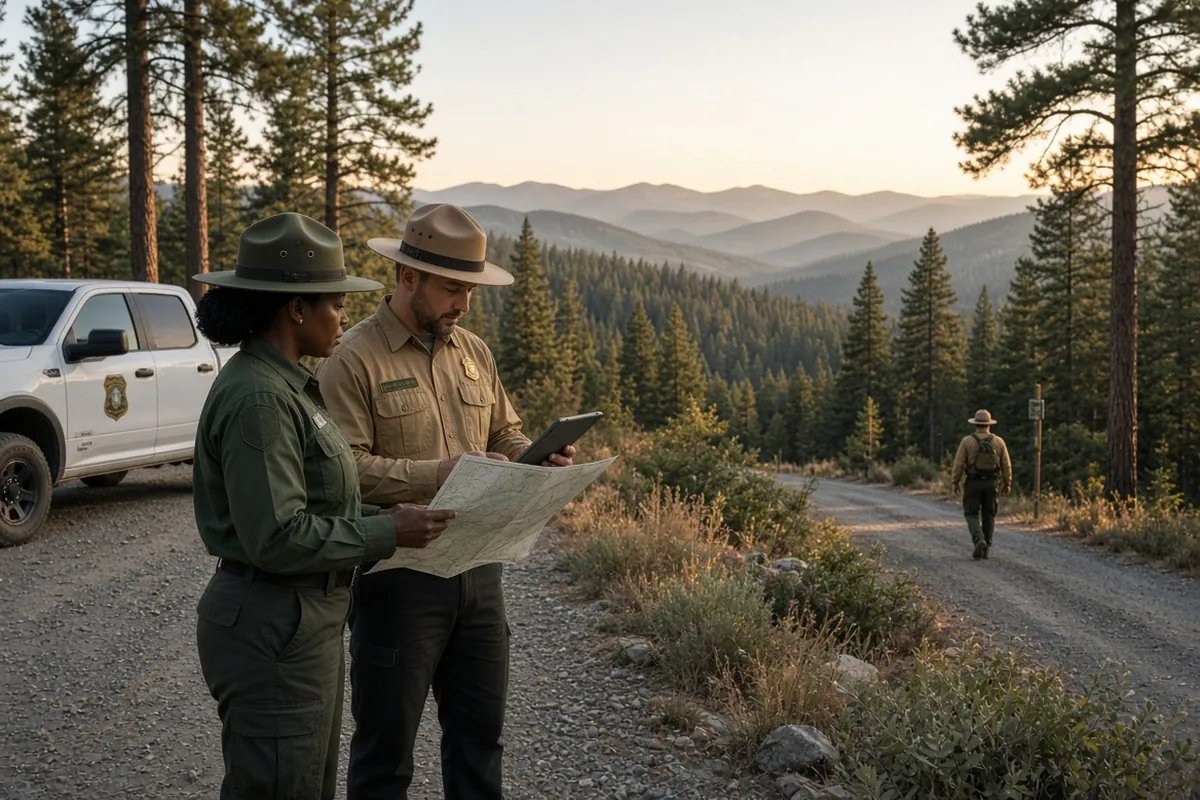
Built for work that doesn't happen at a desk
-
Know who's where, across the acreage
Crews set their status from their phones, naming the field, orchard, or stand in the comment, so the office knows who's where.
-
Check-ins for lone workers
Working alone around equipment or livestock carries risk. Pick a status with a return time on the way out; if it passes with no update, the status board flags it in red and the manager on their profile gets an email or text.
-
Track equipment and vehicles
Reserve trucks, trailers, and machinery—and see who has what before walking the yard.
-
Seasonal payroll, already counted
Field hours come out of the Time History Report in decimal hours, by crew and date range, ready for payroll.
Every run to the back forty gets an expected return time
One afternoon of setup, and a solo run out to the acreage carries a return time and an overdue notification.
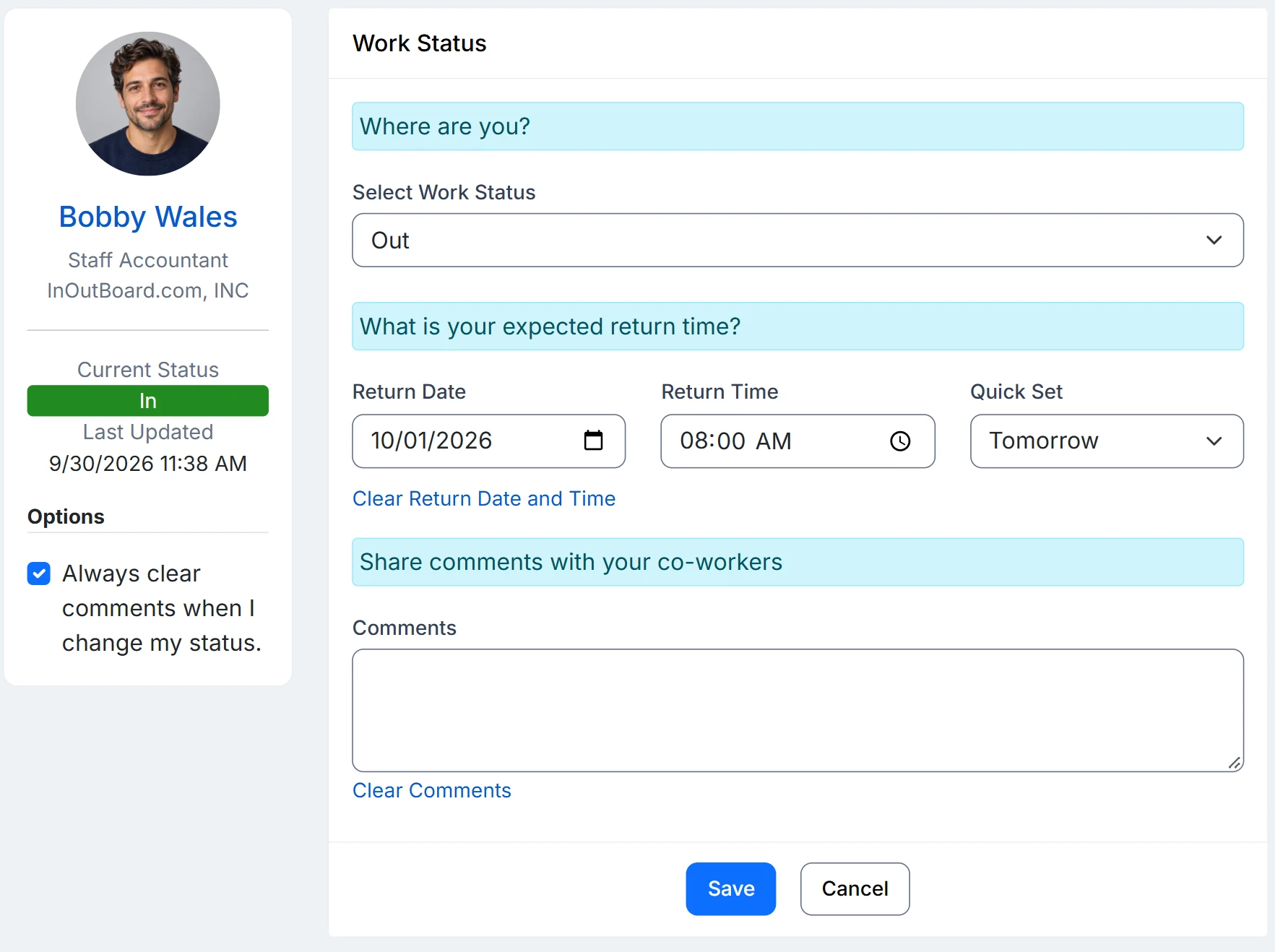
How a back-forty run is covered
- Crews, mechanics, and the office become departments. A person's location is their home base, so the field or block a crew is working goes in the status comment.
- An Administrator opens Settings, then User Status Codes, and adds what the operation actually does: In the field, Orchard, Hauling, Equipment shed. Give the field codes an Offset By time so an expected return fills in on its own.
- A crew lead picks their status from a phone at the gate, with a comment naming the field or block and a callback number.
- If that return time passes with no update, it turns red on the status board for everyone to see, and a supervisor gets an email or text after your configured alert interval. Working late is one update, not a radio call.
- At the end of the week, a Time History Report filtered by date range and department gives each crew's field hours for payroll—seasonal crews included—exported to CSV.
Overdue alerts need a few things in place: alerts enabled, a status code that requires a return time, a manager assigned on each user’s profile, and recipients opted in to email, or to text with a verified mobile number.
Does it work where there is no cell signal?
The status board needs an internet connection to read or update, so a crew with no signal cannot change their status until they have one. The overdue alert does not depend on the phone: it runs on the return time the person set before heading out, so a missed check-in still reaches the supervisor.
Do seasonal crews need a license all year?
No. Each active user takes one license, in any role. Set seasonal workers to Inactive at the end of the season and they stop counting toward your license; reactivate them when they return and their history is still there.
Does it track where people are?
No. There is no GPS. The status board shows the status and comment each person recorded, which is where the field or block goes.
Where to go next
The pieces this page describes, in detail.
The whole operation, on one page
Seasonal crews, far-flung sites, long days. InOutBoard works from any phone browser, so everyone stays connected from the field to the office.


Join the thousands of teams who rely on InOutBoard
InOutBoard works great and very easy to use…from a safety standpoint, it's great to know quickly who's in the building and who isn't.
 Brenda S.
SIRWA
Brenda S.
SIRWA
Know who's in and out.
Instantly
Try every feature free for 30 days. No credit card required.