

Rule-based automation: Meet Scout, your always-on agent
He watches the status board so you don't have to. Scout is the rule-based agent built into every InOutBoard account: every minute, he checks for return times that have passed, calendar events that are starting or ending, and the end-of-day reset you scheduled—then updates the status board and tells the right people. You set the rules once. Scout follows them around the clock.
An agent that never clocks out
Scout acts on the rules your administrators set, so he does the right thing every time.
-
Checks every minute
Return times, calendar events, bookings and scheduled resets are checked once a minute, all day, every day—weekends and holidays included.
-
Follows your rules
You decide which statuses need a return time, how long to wait before a manager hears about it, and when the day ends. Nothing happens on your board that nobody set up.
-
Shows his work
Every status Scout changes is recorded in status history under System Account, so you can always see what changed, and when.
Six jobs Scout handles for you
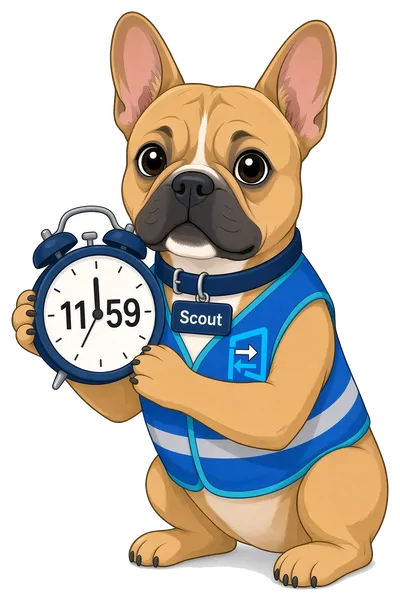
He notices when someone hasn't come back
When a status needs a return time and that time passes, Scout follows up. He warns the person before their return time, tells them when it passes, then alerts their manager and second-level manager on the intervals you choose—by email, text or both, as each person prefers.
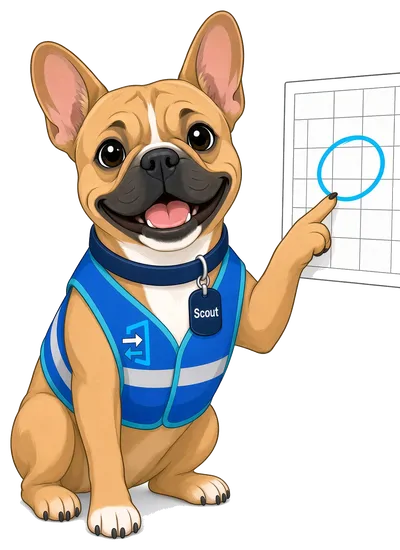
He updates your status from your calendar
Put a site visit or a vacation on My Calendar with a starting and an ending status. Scout changes the status board when it begins, sets your return time to when it ends, and changes it again when it's over. Make it a recurring event and the weekly team meeting looks after itself for up to two years at a time.

He resets the status board at the end of the day
Forgot to sign out? Scout won't. Schedule a company status event and, at the time and on the days you pick, he moves everyone still marked in to out—or everyone out to in, first thing in the morning. People on vacation are left alone, and yesterday's comments can be cleared along the way.

He hands over the keys
Book the pool car or the big meeting room and ask for a status change on the reservation. When the booking starts, Scout sets the starting status you picked and, if the booking is assigned to someone, hands the resource to them. When it ends, he sets the ending status you picked; who has it stays as it is until someone changes it.
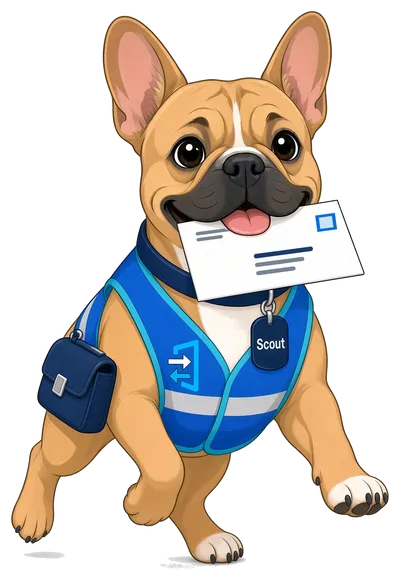
He delivers reminders and messages
Add a reminder to an event on your My Calendar and Scout sends it to you the number of minutes ahead you choose. Leave someone a message and it lands in their inbox and on their dashboard, and Scout sends it on by email or text too—whichever they picked in their own alert settings.

He puts announcements up, and takes them down
Give an announcement a start and an end date. It appears on the dashboard of everyone it's meant for on the first day and is gone after the last, so last month's fire drill notice never outstays its welcome.
Questions about Scout
What is Scout?
Scout is InOutBoard's built-in agent: the rule-based automation that acts on your behalf around the clock. He watches return times, calendar events, bookings and the end-of-day schedule, then updates the status board and notifies the right people, exactly as your administrators have set him up to.
Is Scout AI?
No. Scout is rule-based automation, not artificial intelligence. He does exactly what your administrators have set up—return times, calendar events, bookings and end-of-day resets—the same way every time. Nothing in InOutBoard learns from your data or makes predictions.
Do we have to set anything up?
A little, and each piece is opt-in. An administrator switches on overdue alerts under Application Alerts, sets Allow Calendar Events to Change Status for calendar status changes, and creates end-of-day resets under Company Status Changing Events. Each person then chooses whether their own alerts come by email, text or both.
Does Scout read our Outlook or Google calendar?
No. InOutBoard's calendar is its own, and Scout works from the events on it. It does not connect to Outlook, Google or Exchange.
Does Scout track where people are?
No. Scout never uses location. A status changes because someone changed it, or because of a calendar event, a booking or a company status event that someone set up.
Does Scout cost extra?
No. Everything Scout does is included with every InOutBoard account, free trial included.
Explore more features
Everything below is included with every InOutBoard account — no add-ons, no upgrade tiers. See pricing.


Join the thousands of teams who rely on InOutBoard
I'm happy to say that I have had this job for 3 years and have never had to place a call into support…it's that easy to use.
 Paige M.
Dawson Power
Paige M.
Dawson Power
Know who's in and out.
Instantly
Try every feature free for 30 days. No credit card required.