
The status board for Manufacturing & Industrial Services
InOutBoard is an online in/out status board where each operator sets their own status and return time, so supervisors can see who is on the floor, who is on break, and who is overdue across shifts and buildings. Every shift, every floor, one clear picture. See who's on the floor, in the warehouse, or out at a customer site—across shifts, buildings, and departments.
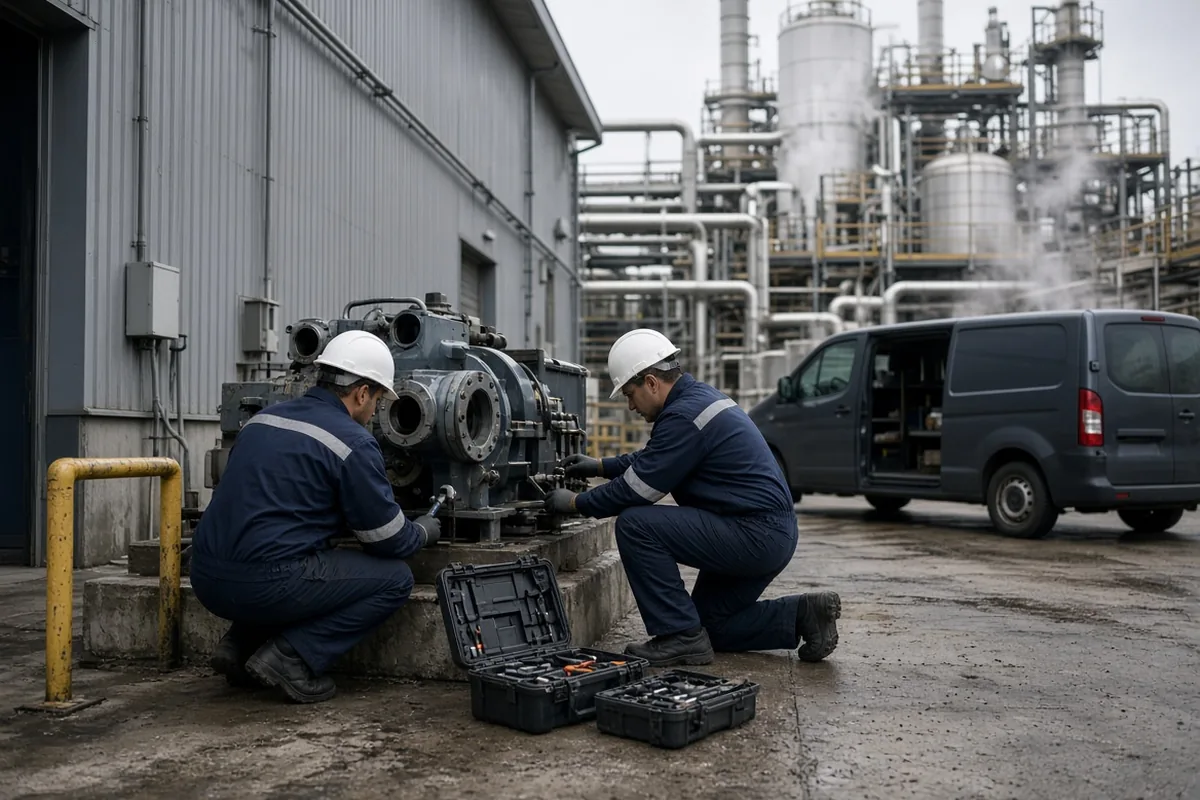
Built for plants that never sit still
-
Shift handoffs without surprises
A shift put on your own My Calendar sets your status when it starts and ends, so supervisors know who's on and who's already gone.
-
Account for everyone in an incident
In a drill or evacuation, pull an Emergency Status Report of everyone's last recorded status and how to reach them—the roll call starts there rather than at the muster point.
-
Cover the whole operation
Plant floor, warehouse, maintenance, front office, field service—every team updates one board.
-
Time history for payroll
Check-in and check-out records you can report on, without chasing paper timecards.
From the shift board to payroll
The comings and goings are already recorded. This is how they become hours.
How a plant closes out a pay period
- Each plant becomes a location; plant floor, warehouse, maintenance, and field service become departments.
- An Administrator adds status codes for how the floor runs: On shift, Break, Changeover, Maintenance call, Off site. An Offset By of 30 minutes on Break saves everyone the arithmetic—the return fills in 30 minutes from now.
- Operators check in and out at a shared terminal or their own phone. Anyone overdue back from a call shows red, so a supervisor notices in the moment rather than at the end of the week.
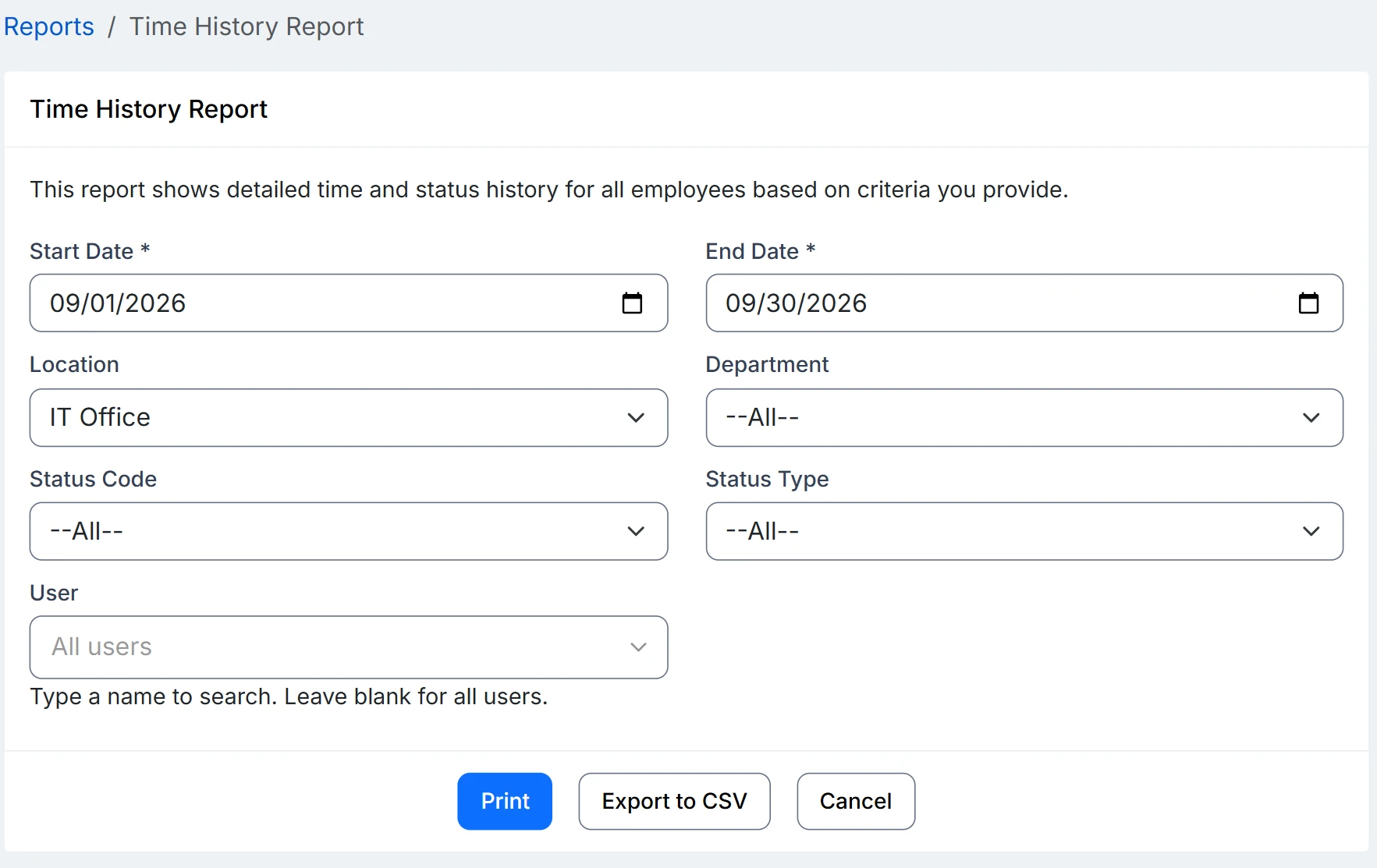
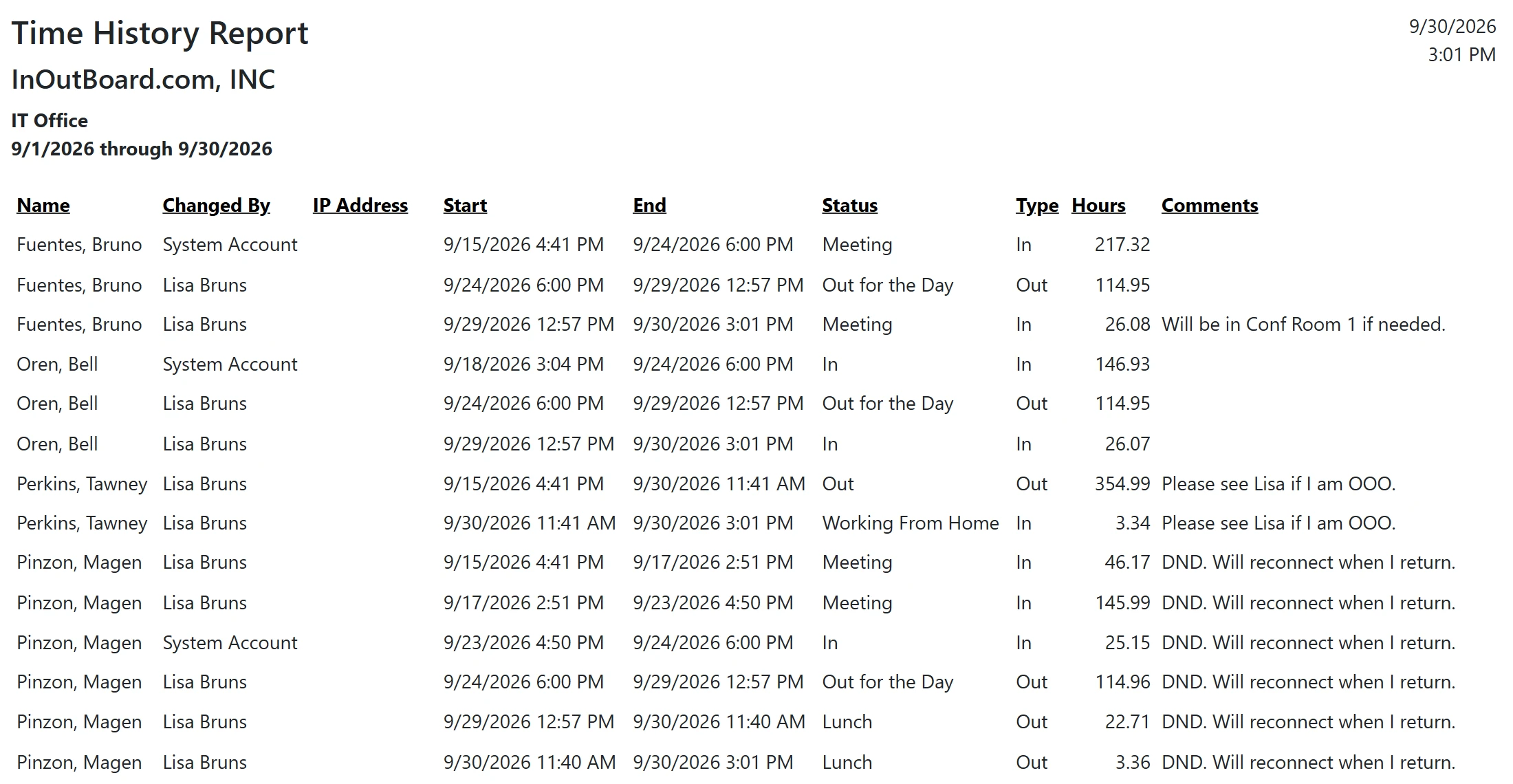
- At period end, run the Time History Report filtered by date range, location, and department. Totals come out in decimal hours—15 minutes reads as .25—which is what payroll wants.
- Export to CSV and hand it over. If an hour is questioned, the same report shows every status change behind the total.
Can people check in from a shared terminal?
Yes, but there is no kiosk or badge mode. Each person signs in with their own username and password and should sign out afterward, because a signed-in session stays open after they walk away. Where everyone has a phone, their own browser is simpler: two taps and no line at the terminal.
Do contractors coming through the gate need a license?
Only if you want them on the status board. Each active user takes one license in any role; there is no visitor or contractor type. Contractors who come and go can be set to Inactive between jobs and reactivated when they return.
Can we put the status board on a screen in the plant?
Yes. Open the status board in a browser on any screen, filtered to the location or department you want, and set Auto-refresh to the interval you prefer (1 to 60 minutes; 5 by default). It is a signed-in browser session: use an account with the Employee role. The session stays signed in for as long as the status board keeps refreshing and ends after a few days with no activity, so sign it out when the screen is not in use.
Where to go next
The pieces this page describes, in detail.
Headcount is never simple
Between rotating shifts, field service calls, and contractors coming through the gate, knowing who's on site takes work. InOutBoard gives supervisors one board for the whole operation.


Join the thousands of teams who rely on InOutBoard
This has been such a huge upgrade from our previous process. The Status Board is up all the time, giving us real-time status updates from our employees. Easy to use too.
 Elizabeth C.
City of Santa Cruz
Elizabeth C.
City of Santa Cruz
Know who's in and out.
Instantly
Try every feature free for 30 days. No credit card required.