
The status board for Education
InOutBoard is an online in/out status board where each staff member sets their own status and return time, so the front office and the safety team can see which adults have checked in and where. Know which staff have checked in, and where. Start a drill roll call from one screen instead of a clipboard, and see who's teaching, in a meeting, or off-site—across buildings and campuses.
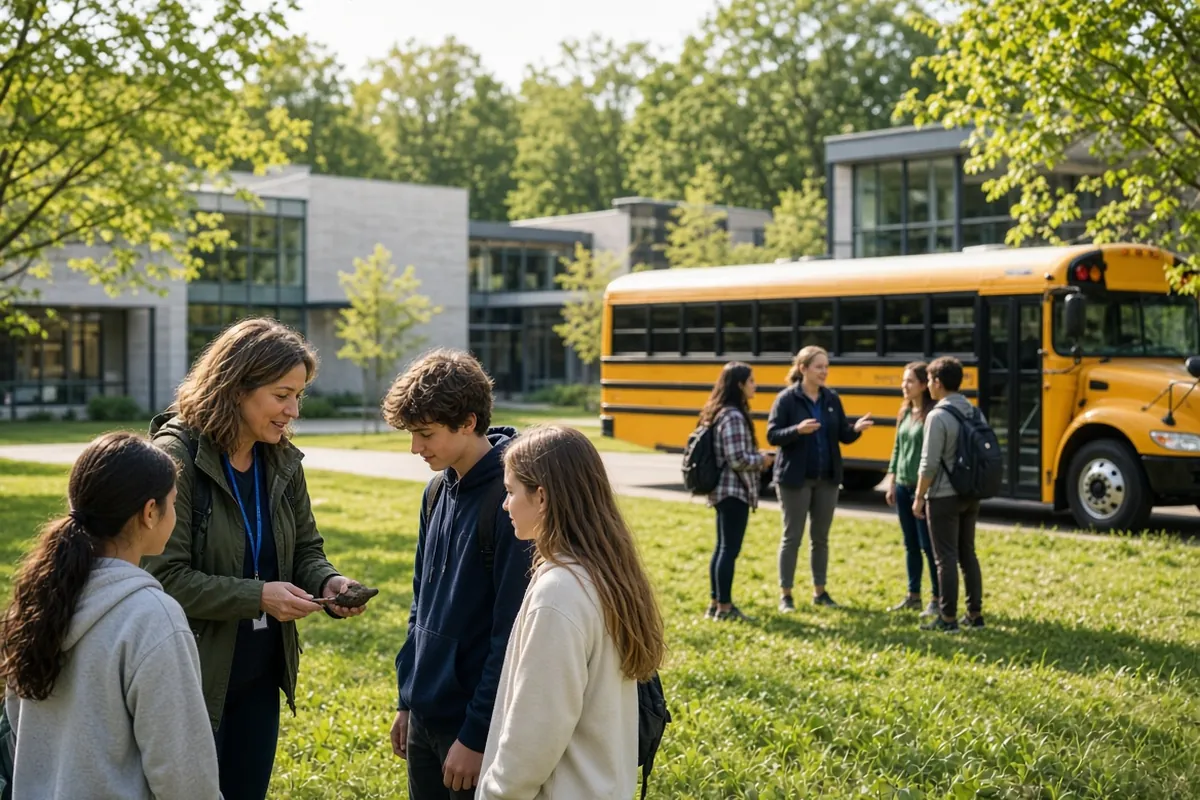
Built for the adults on campus
-
Account for staff in a drill or lockdown
Pull an Emergency Status Report of every staff member's last recorded status and how to reach them—where a roll call starts, instead of a clipboard and a phone tree.
-
Find the right person, fast
The front office can see who's teaching, in a meeting, or out—so calls and visitors get routed right the first time.
-
Connect buildings and campuses
Faculty, admin, facilities, and support staff across sites all update from one board.
-
Keep the records you need
Staff attendance and time history you can pull reports from—for district reporting and review.
A drill roll call that adds up
Practice it once and the real thing works the same way.
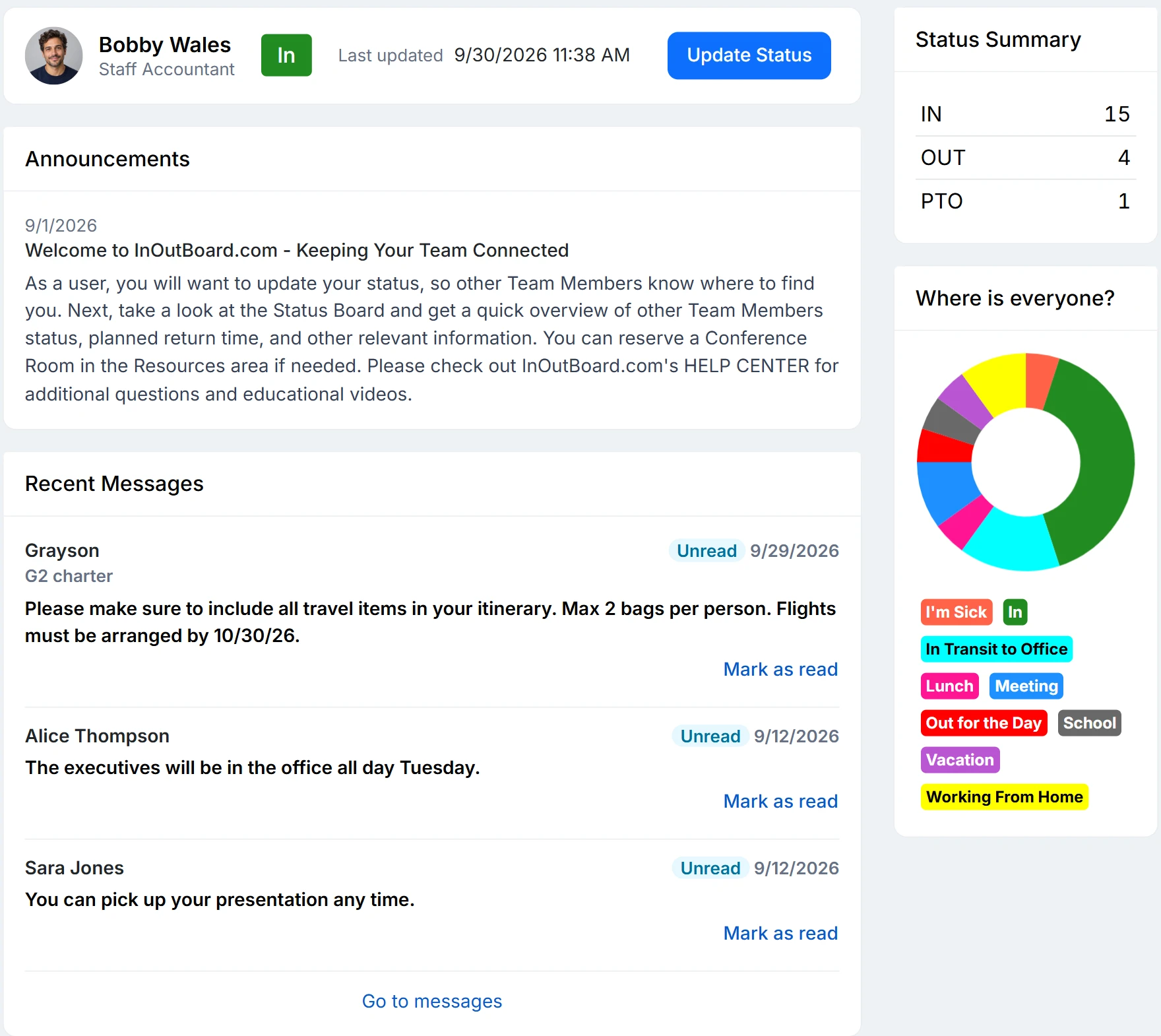
How a campus accounts for its adults
- Each building or site becomes a location, and each team—faculty, front office, facilities, support—a department.
- An Administrator adds status codes that match the school day: Teaching, Planning period, Off campus, District office, Field trip.
- Staff who book a field trip or a district meeting on My Calendar don’t need to update their status the “day of”—it flips when the event starts, and flips back when it ends.
- When the alarm sounds, open the dashboard and read the Where Is Everyone? chart: it totals the users in each status code. Click a segment on that chart to open the status board and see those users.
- Need names and numbers in hand? Run the Emergency Status Report for the building. When it is over, one message to an all-staff team tells everyone you are clear.
Does InOutBoard track students?
No. InOutBoard is for faculty and staff only. There are no student records, no rosters, and nothing a student signs into, so no student data is involved.
What does the status board show on drill day, and what doesn't it?
It shows the status each staff member last recorded and when, with their emergency contact on the Emergency Status Report. It does not verify who is physically in the building: there is no badge reader and no GPS, and substitutes, visitors, and contractors are not on the status board unless they have been added as users. Treat it as the roster the roll call starts from.
Who can see staff data, and where is it held?
Every user except a Guest can see every colleague's status, return time, and any comments on the status board, so keep anything sensitive out of comments. Parent volunteers can be added as “Guest” users. They can sign in to InOutBoard when on campus, so you know they are there, but they cannot see the status board or other staff data. Managers and Administrators can also run reports and see status history. Data is hosted in Microsoft Azure data centers in the United States and encrypted in transit and at rest; the security page has the details and a security-questionnaire FAQ for district procurement.
Where to go next
The pieces this page describes, in detail.
Staff, not students
InOutBoard tracks faculty and staff—not students. It gives your front office, administration, and safety team a clear view of which employees have checked in, wherever they're working from.


Join the thousands of teams who rely on InOutBoard
I'm happy to say that I have had this job for 3 years and have never had to place a call into support…it's that easy to use.
 Paige M.
Dawson Power
Paige M.
Dawson Power
Know who's in and out.
Instantly
Try every feature free for 30 days. No credit card required.