
The status board for Transportation & Logistics
InOutBoard is an online in/out status board where each driver sets their own status and due-back time before leaving the yard, so dispatch can see who is on the road, where they are headed, and who is overdue. Drivers on the road, crews at the dock, dispatch in the middle. One shared board shows who's out, where they're headed, and when they're due back.
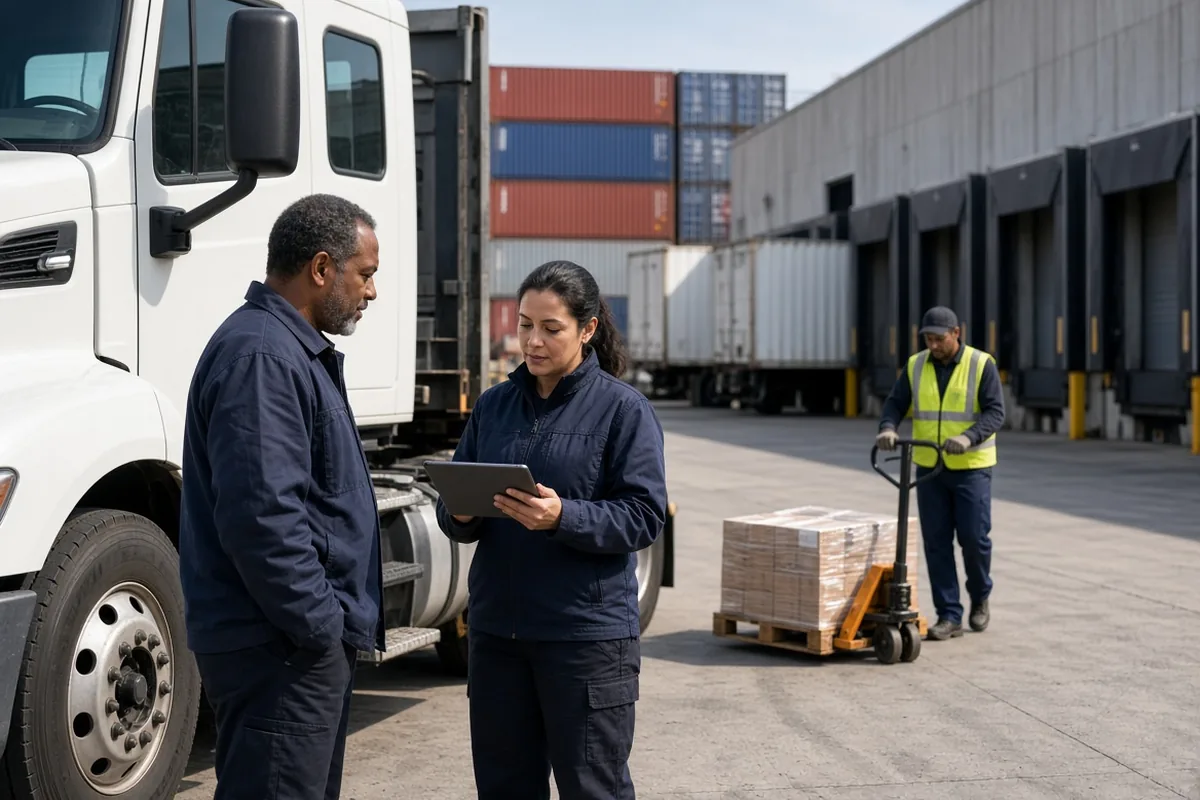
Built for work that's always moving
-
Know who's on the road
Drivers set their status and destination from their phones before they leave the yard, so dispatch sees every run without a check-in call.
-
Overdue runs flag automatically
When a driver misses their return time, the status board flags them in red, and designated managers are notified after your configured alert interval.
-
Vehicles and equipment, reserved
Trucks, trailers, and forklifts get booked in Resources—so nobody walks the yard looking for a vehicle that's already out.
-
Every run on record
Who was out, where, and for how long—across day, night, and weekend shifts—exported to CSV whenever you need it.
Drivers set their status before they pull out
The run is on the status board before the truck leaves the yard—no call to dispatch.
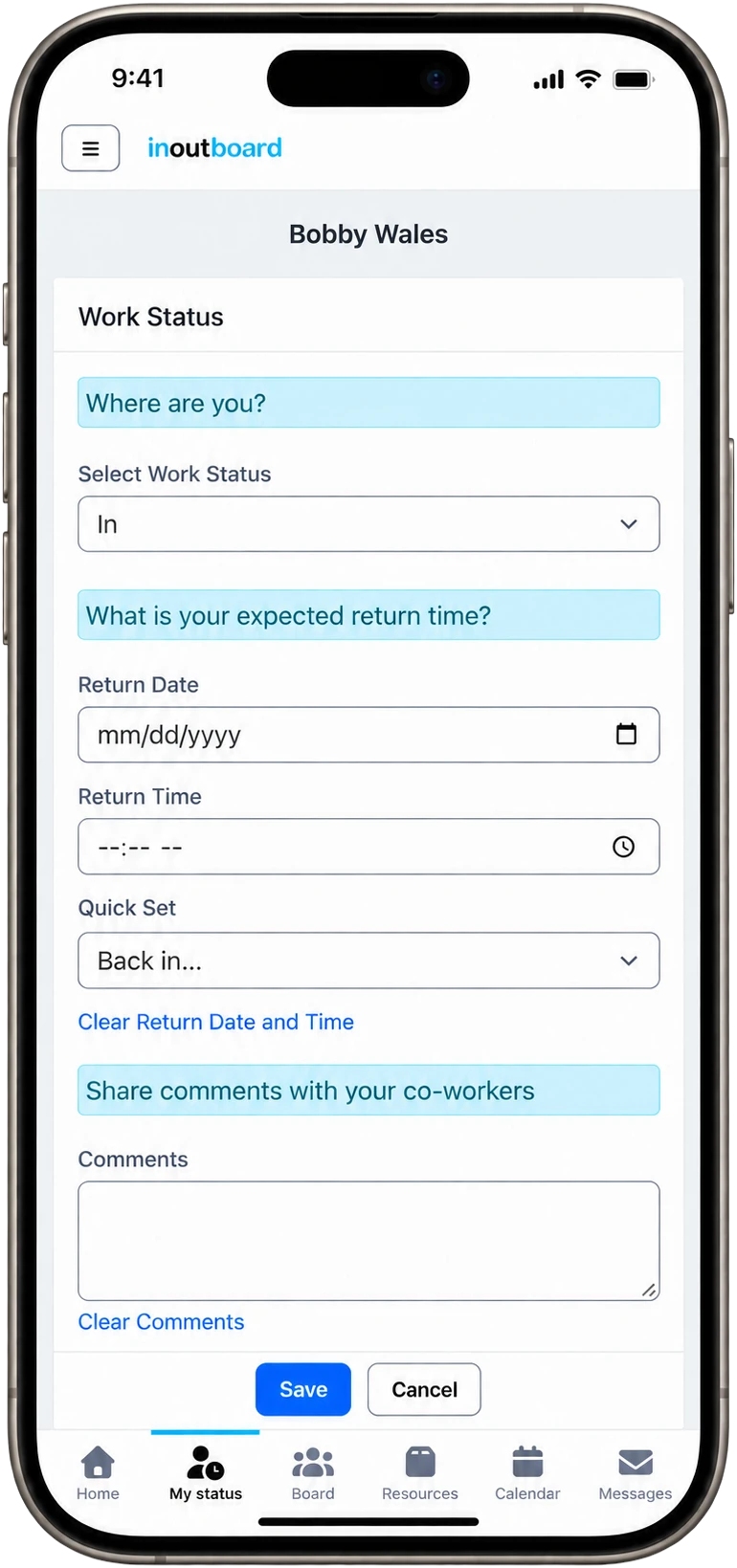
How a run stays visible
- Drivers open InOutBoard in their phone browser once and add it to the home screen. It opens like an app—no app store download, no IT ticket.
- An Administrator adds status codes for the work: On a run, Loading, Break, Yard, Out of service. On the On a run code they set Return Time Required to Yes.
- Leaving the yard, the driver picks On a run, sets an expected return, and adds a comment with the drop or the trailer number.
- Miss that return time and it turns red on the status board; the manager on their profile—make it your dispatcher—gets an email or text. A delay is one update at the next stop, not a phone call.
- Trucks and trailers live in Resources, each reservation showing who has it and when it is due back—so the yard is never searched on foot.
Overdue alerts need a few things in place: alerts enabled, a status code that requires a return time, a manager assigned on each user’s profile, and recipients opted in to email, or to text with a verified mobile number.
Does it track the truck?
No. There is no GPS and no telematics. The status board shows the status, destination comment, and return time each driver recorded, and a return time that passes without an update turns red and alerts dispatch.
Can dispatch be the one alerted?
Yes. Alerts go to the Manager and Second Level Manager named on each driver's profile, so put the dispatcher in one of those fields. They choose email, text, or both under their own Alert Settings, and the alert arrives after the interval you set, 15 minutes to 3 hours after the return time.
Can two drivers book the same truck?
No. A reservation that overlaps one already on the truck's schedule is not allowed. Back-to-back bookings are fine, and Resources shows every reservation and who has the vehicle.
Where to go next
The pieces this page describes, in detail.
From the yard to the last mile
Carriers, couriers, warehouses, fleet shops—InOutBoard works from any phone browser, so the whole operation stays on one page without new hardware in the cab.


Join the thousands of teams who rely on InOutBoard
InOutBoard works great and very easy to use…from a safety standpoint, it's great to know quickly who's in the building and who isn't.
 Brenda S.
SIRWA
Brenda S.
SIRWA
Know who's in and out.
Instantly
Try every feature free for 30 days. No credit card required.