
The status board for Tourism, Hospitality & Recreation
InOutBoard is an online in/out status board where each staff member sets their own status and return time from a phone, so the front desk can see who is on shift, where, and how to reach them across the whole property. Front desk, housekeeping, grounds, guides. One shared board shows who's on shift and where across the whole property—so guests never wait on a guess.

Built for teams spread across the property
-
The whole property, one view
Lobby, kitchen, trailhead, marina—staff set their status from their phones, naming where they are in the comment, so managers see coverage everywhere at once.
-
Reach the right person fast
A guest asks, the front desk answers. The status board shows who's on shift and how to reach them—no radio roulette.
-
Seasonal staff, simple onboarding
Peak-season hires are on the status board their first day—it runs in any phone browser, with no app store download and nothing to hand out.
-
Shared equipment, tracked
Carts, vans, boats, and rental gear get reserved in Resources—so the tee time, tour, or transfer never waits on missing keys.
Seasonal hires on the status board their first day
No devices to hand out, no app store, no training course.
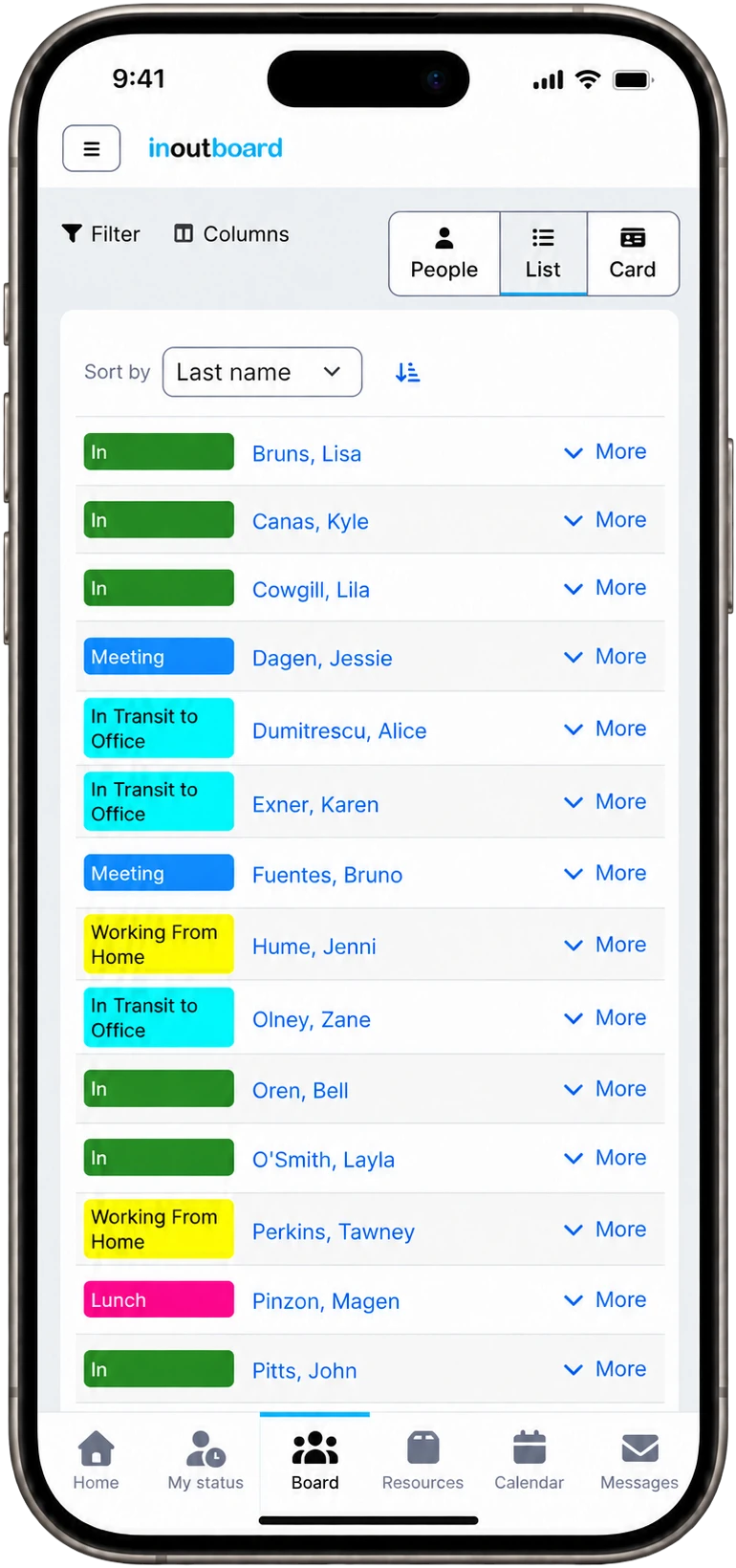
How a season's intake gets on the status board
- The property and its outlying sites become locations; front desk, housekeeping, kitchen, marina, and grounds become departments.
- An Administrator adds the season's hires under Settings—individually, or the whole intake at once with Import Users and its CSV template. Usernames are typically just their email address.
- Each person gets an invitation, signs in on their own phone browser, and adds it to their home screen so it opens like an app. No app store download, nothing to issue, no IT ticket.
- Status codes match the property: On shift, Break, On a tour, Transfer, Off. The front desk filters the status board by area to answer a guest on the spot.
- Carts, vans, boats, and rental gear go in Resources, each booking showing who has it and when it is due back—so a tee time or a transfer is never promised on missing keys.
How do we reach housekeeping or the grounds crew?
Make them a Team under Settings; a message to that team then waits on every team member's dashboard, and also reaches each of them by email or text if they have turned that on in their own Alert Settings. Messages go to users and teams, not to a department or to everyone at once. Any message InOutBoard sends is one-way; to respond, people start a new message.
Do seasonal hires need their own account?
Yes: everyone on the status board signs in with their own username and password, and each active user takes one license in any role. At the end of the season set them to Inactive and they stop counting; reactivate the ones who come back next year.
Does it work on their own phones?
Yes. InOutBoard runs in any phone browser with no app store download; adding it to the home screen is optional. It needs a data or Wi-Fi connection to read or update the status board.
Where to go next
The pieces this page describes, in detail.
Ready for busy season
Hotels, resorts, campgrounds, outfitters, event venues—when the crowd shows up, InOutBoard keeps the whole crew coordinated from one page.


Join the thousands of teams who rely on InOutBoard
InOutBoard works great and very easy to use…from a safety standpoint, it's great to know quickly who's in the building and who isn't.
 Brenda S.
SIRWA
Brenda S.
SIRWA
Know who's in and out.
Instantly
Try every feature free for 30 days. No credit card required.